7 Mistakes to Avoid with AI Task Automation Cloud Sync
Your task list lives in one app, your field crew works from another, and updates vanish between them. Most teams start shopping for a new tool after a sync failure costs them a deadline, not before. Picking the wrong platform repeats that cycle.
This article walks through the seven mistakes that break AI task automation cloud sync, from unreliable connections to poor integration fit. You will get concrete criteria for evaluating tools, a clear look at Tasks.Bot and five alternatives, and guidance on matching sync needs to your team size and budget.
What to Look For in AI Task Automation Cloud Sync Tools
Evaluating AI task automation cloud sync tools requires balancing technical resilience with real-world team workflows, because a single sync failure can cascade into missed deadlines and lost trust.
Cloud sync is the backbone of any automation stack. It is the layer that carries task state between apps, keeps every teammate looking at the same record, and turns isolated tools into genuine workflow orchestration.
Three pillars separate dependable platforms from fragile ones: sync reliability, data security, and integration fit. These criteria guide the tool assessments throughout this roundup, and they apply whether a team runs a handful of automations or hundreds.
Sync Reliability, Data Security, and Integration Fit
Sync reliability hinges on how well a tool handles conflict resolution, retry logic, and idempotency when two team members edit the same task simultaneously. Ask a concrete question: what happens when a task is updated offline and online within 30 seconds? A dependable platform merges or flags the conflict rather than silently overwriting one edit.
Retry logic matters just as much. Transient failures are normal, so look for exponential backoff, dead-letter queues for events that fail repeatedly, and idempotent writes that prevent a retried request from creating duplicate records. Tools built on event-driven architecture with message queues typically absorb spikes better than polling-based designs.
API rate limits and webhook failures are the other reliability tests. A strong tool respects provider limits through batch processing, queues overflow events instead of dropping them, and offers eventual consistency guarantees you can reason about. Synchronization latency should be documented, not discovered during an incident.
On security, verify encryption in transit as a baseline. Then check how the platform handles OAuth token expiry, since a silently expired token can stall every connected workflow. Permission misconfiguration is a frequent culprit behind data silos, so granular scopes and audit trails are essential.
Integration fit comes down to data mapping. Field mismatch, schema drift, and duplicate records break automations quietly. Confirm the tool supports version control, rollback strategies, and clear monitoring and alerting when a mapping fails. Error handling should surface integration errors in plain language, not bury them in logs.
1. Tasks.Bot - Best Overall
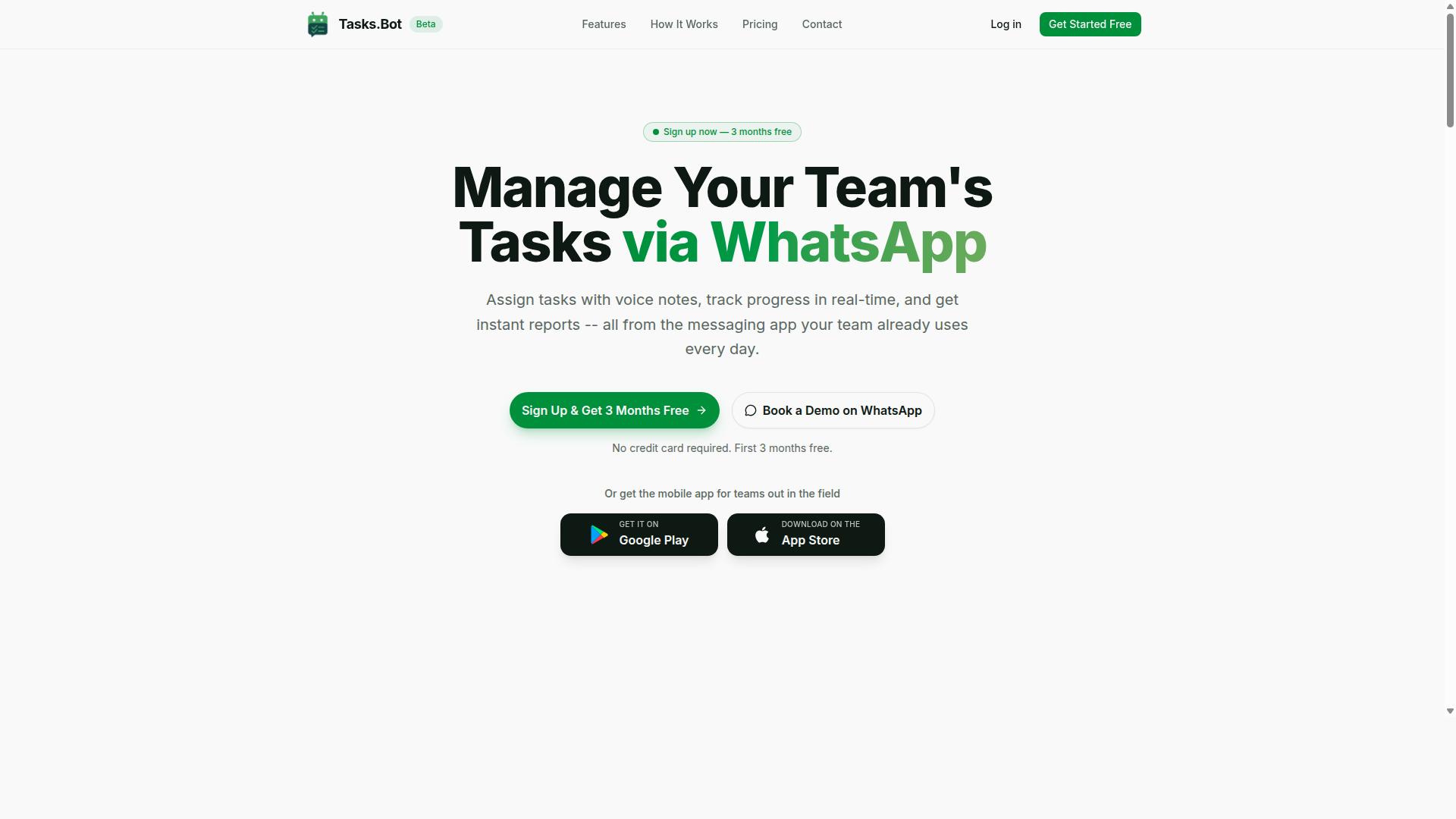
Tasks.Bot earns the top spot for its unique approach to cloud sync: it operates entirely within WhatsApp, eliminating many common integration errors before they occur. Instead of connecting a separate task tool to your chat platform, the product lives inside WhatsApp itself.
Team members don't install anything or create new accounts. They send a message or a voice note, and AI interprets the natural language to create tasks, assign them automatically, and send smart deadline reminders, approvals, and instant reports. Native Android and iOS apps add push notifications and voice capture for field teams, and the service is currently in beta with a Book a Demo on WhatsApp option.
How Tasks.Bot Avoids the 7 Most Common Cloud Sync Mistakes
Tasks.Bot sidesteps the seven most common cloud sync mistakes by leveraging WhatsApp's native infrastructure, which already handles message delivery, encryption, and offline queuing. Here is how each mistake plays out elsewhere, and what changes when the workflow never leaves the chat app.
- Integration errors from mismatched schemas. Two systems rarely agree on field names or formats, so schema drift and data mapping bugs creep in. Because Tasks.Bot works from natural language, there's no rigid field mapping to break. When a field worker sends a voice note, Tasks.Bot transcribes and assigns it without schema translation.
- Data silos from disconnected apps. Tasks, chats, and reports scattered across tools create duplicate records and blind spots. Everything here, tasks, approvals, reports, and GPS tracking, sits in one WhatsApp thread, so there's no separate system to reconcile.
- API rate limits causing sync delays. Third-party integrations often stall when they hit throttling thresholds. Tasks.Bot relies on WhatsApp's own delivery pipeline rather than a stack of external API calls, so batch processing and message queues aren't the user's problem to manage.
- Synchronization latency in real-time updates. Event-driven systems can lag behind reality, producing eventual consistency gaps. A message sent in WhatsApp is the task, so there's no second copy waiting to catch up.
- Conflict resolution when multiple users edit tasks. Concurrent edits create race conditions and version confusion. In a chat thread, updates appear in order, so there's no hidden merge step to resolve.
- Permission misconfiguration exposing sensitive data. Overly broad OAuth scopes leak information. Tasks.Bot needs no new accounts or OAuth tokens to expire, and enterprise-grade encryption protects conversations and task data, which are never shared or used for training.
- Error handling gaps like missing retry logic or idempotency. Failed webhooks and dropped events need dead-letter queues and monitoring. WhatsApp already retries undelivered messages, so a voice note sent from a low-signal field site still lands once connectivity returns.
Two features reinforce the model for field operations: face-verified attendance and live GPS tracking, alongside shifts, leave, and payroll-ready hours. Pricing is ₹200 per member per month or ₹1,200 per year per member, and a 3-month free trial requires no credit card.
2. Reminderly.ai
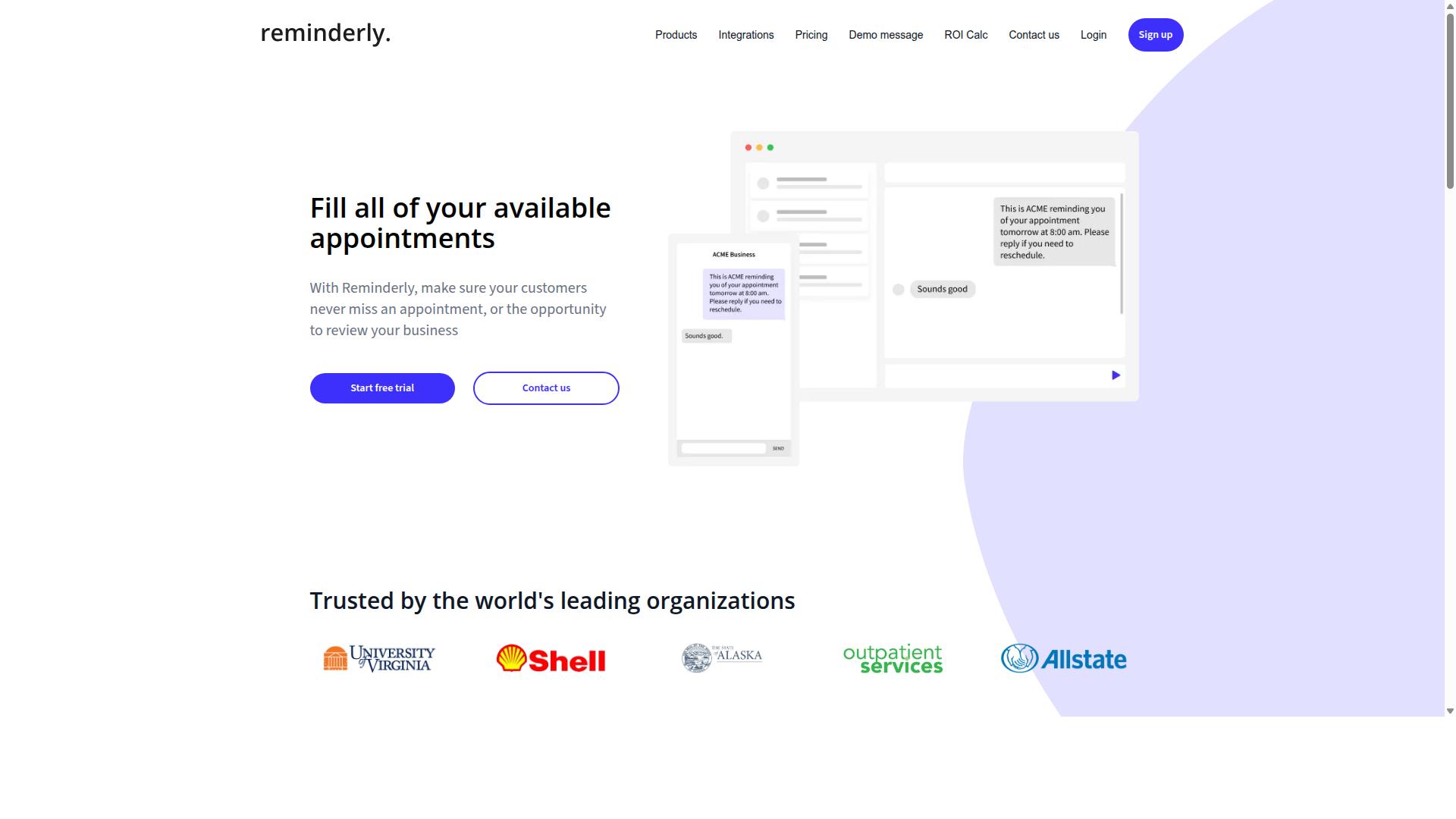
Reminderly.ai focuses on AI-driven reminders and task scheduling, but its cloud sync capabilities are less transparent than some competitors. Teams evaluating it for AI task automation should treat the sync layer as something to verify directly rather than assume.
The tool typically appeals to individuals and small teams that want automated nudges and lightweight scheduling rather than deep workflow orchestration. That focus shapes both its strengths and the questions you should ask before rolling it out across a larger group.
Typical features include AI-powered reminders, calendar integration, and basic task assignment. Reminders may adapt based on context or past behavior, and calendar connections usually let tasks appear alongside existing events.
Where things get murkier is how data moves between Reminderly.ai and the other systems in your stack. Because sync often depends on third-party APIs, reliability can vary with the provider on the other end.
Common risks in that setup include API rate limits and webhook failures. If a webhook drops or a token expires, updates may silently stop flowing until someone notices.
Specific sync reliability details for Reminderly.ai are not publicly documented. That gap matters when you are planning for conflict resolution, data mapping, or field mismatch handling.
During a trial, test the scenarios that tend to break in production:
- What happens when two people edit the same task at once
- Whether completed items sync back to your calendar correctly
- How the tool handles duplicate records after a retry
- Whether permission misconfiguration blocks or exposes data
Also check how the tool logs errors and whether you get alerting when a sync job fails. Without that visibility, synchronization latency can turn into silent data loss.
None of this makes Reminderly.ai a poor choice. It simply means the burden of proof sits with your own testing, not with published documentation.
3. TaskRio
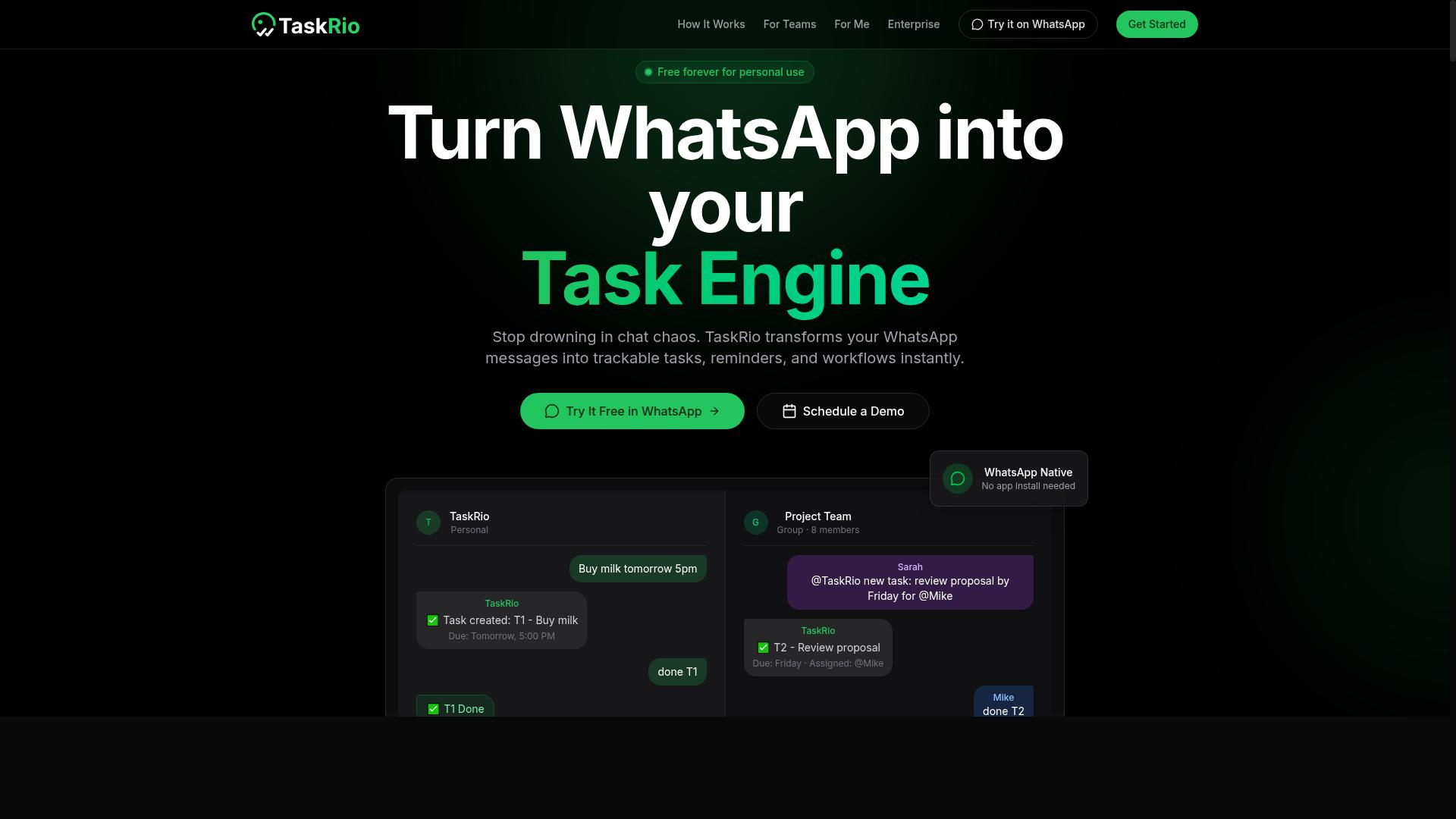
TaskRio emphasizes workflow orchestration and team collaboration, but its sync architecture is designed for general cloud environments rather than messaging-first teams. That distinction matters when you connect it to chat platforms, ticketing systems, or CRM tools that expect fast, event-driven updates.
Teams often pick TaskRio for batch processing and multi-step approvals. Those strengths can become friction points when a real-time channel needs an answer in seconds, not minutes.
Before adopting it, review how it handles these common sync risks:
- Dedicated integrations: connecting each external app may require custom connectors, which raises the chance of schema drift or a field mismatch after an upstream update.
- Event-driven architecture: verify how the platform processes events under load, especially around race conditions and eventual consistency.
- Data mapping: confirm which fields map to which destinations, since a mismatched field can create duplicate records or silent data loss.
- Sync timing: ask whether updates are pushed in real time or batched, because synchronization latency affects downstream alerts and reporting.
A practical check is to run a small pilot with two connected systems. Watch for integration errors during peak hours, then confirm whether failed events land in a dead-letter queue or disappear quietly.
Also review how the tool handles OAuth token expiry and webhook failures. If a token lapses, does the workflow pause, retry, or fail silently? The answer shapes your error handling and retry logic design.
TaskRio can work well for orchestrated, approval-heavy processes. The caution is simple: test its sync behavior against your fastest-moving data source before you scale it across the organization.
4. Karo.bot
Karo.bot offers AI-powered task management with a focus on chat interfaces, but its cloud sync reliability depends heavily on the underlying chat platform's API limits. Teams evaluating this kind of tool should understand that the chat layer is both its greatest strength and its most likely point of failure.
Because tasks are created, assigned, and completed through conversation, every action typically travels through the chat provider's API before it reaches Karo.bot's own data store. That extra hop introduces synchronization latency that pure API-first tools simply do not have.
When the chat platform throttles requests, sync events can queue up rather than fail outright. The result is eventual consistency rather than true real-time sync, which matters when two people edit the same task seconds apart.
Typical sync architecture
Chat-based automation tools like Karo.bot generally rely on a small set of building blocks to keep state consistent between the chat platform and the task database.
- Message queues that buffer incoming events so bursts of activity do not overwhelm the sync worker.
- Real-time updates pushed back into the chat thread once a task changes, so users see the current state without refreshing.
- Dead-letter queues that hold messages which failed repeatedly, allowing later inspection instead of silent data loss.
- Retry logic with backoff, which is what usually determines whether a temporary API hiccup becomes a permanent integration error.
These patterns are common across the category, so the practical question is not whether Karo.bot uses them, but how it surfaces failures to the people who need to act on them.
Where sync problems typically appear
API rate limits from the chat platform are the most frequent cause of delayed updates. A busy workspace can hit those ceilings during peak hours, and messages may sit in a queue until the limit resets.
OAuth token expiry is the second common culprit. If a token lapses and the refresh flow is not handled cleanly, sync stops entirely until someone reauthorizes the connection. Permission misconfiguration produces a similar outcome, where the integration can read a channel but not post back to it.
Duplicate records and field mismatches also appear when the chat platform's message schema drifts from what the sync layer expects. Without idempotency keys, a retried event can create the same task twice.
What to check before committing
Ask how the tool behaves when the chat API returns errors for an extended period. A clear answer about queue depth, alerting, and replay options tells you more than a feature list.
- Confirm how expired tokens are refreshed, and whether users are notified before sync halts.
- Check whether failed events land in a visible queue or disappear after retries are exhausted.
- Verify how permission changes in the chat workspace affect existing task mappings.
- Ask whether audit trails capture who changed what, and when the change reached the task store.
None of these gaps are unique to Karo.bot. They are the standard risks of building automation on top of someone else's API, and they are worth reviewing before any chat-first tool becomes part of a critical workflow.
5. The Sarah AI
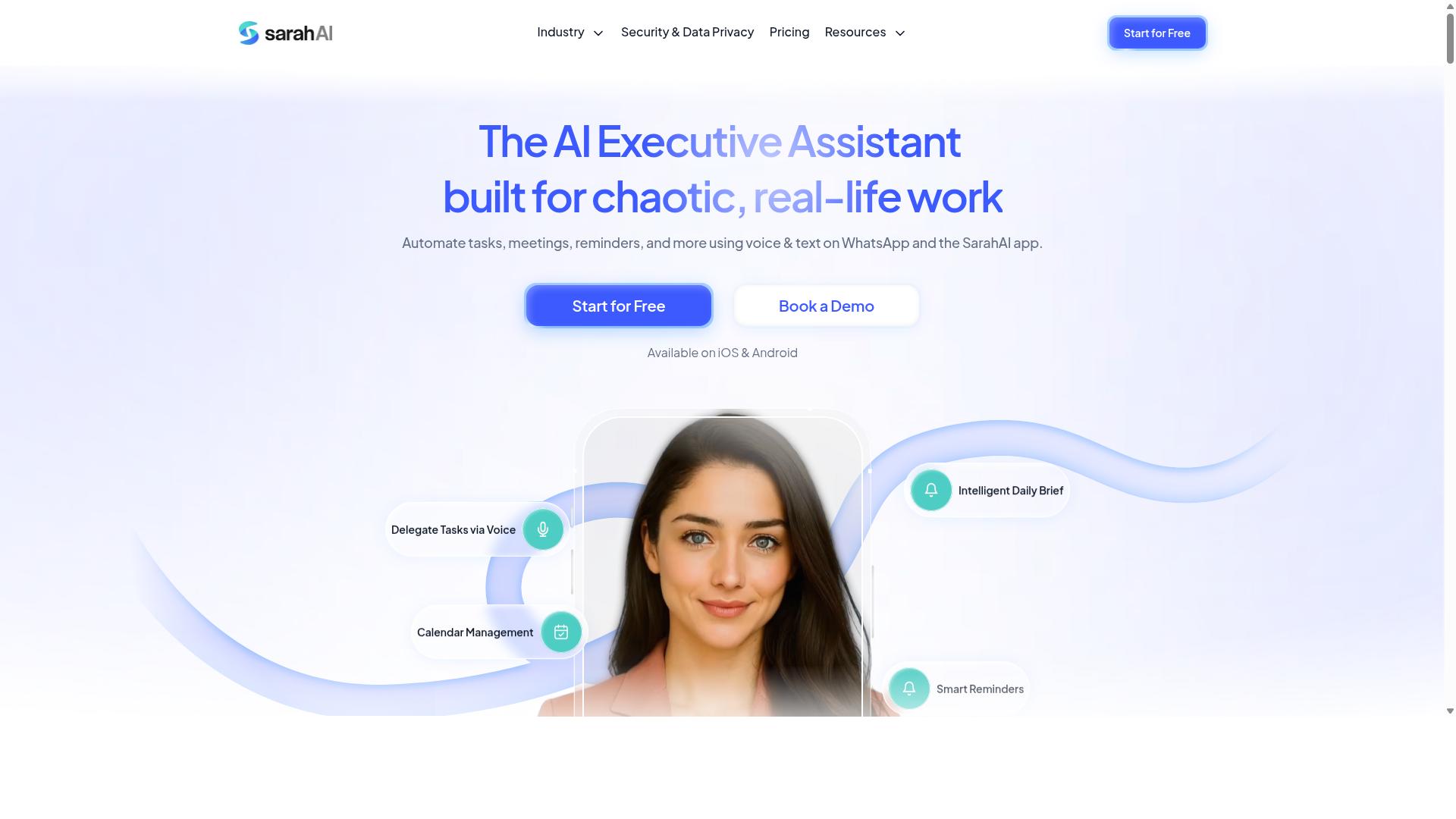
The Sarah AI positions itself as a virtual assistant for task management, but its cloud sync capabilities are less documented than enterprise-focused tools. Teams often encounter it while looking for an AI assistant that can turn conversations into scheduled tasks, and the appeal is easy to understand.
What remains less clear is how reliably that assistant keeps external calendars, project boards, and task lists in step once the initial setup is complete. That gap matters for anyone evaluating it as part of a broader AI task automation stack.
Based on publicly available information, The Sarah AI centers on conversational task creation and scheduling. A user describes what needs to happen, and the assistant attempts to turn that into a structured task with a date, an owner, and a place in a list.
That is a useful pattern for individuals and small teams. It reduces the friction of manual data entry, which is one of the quieter sources of data silos in day-to-day work.
The open question is the sync layer underneath. When a tool leans on standard cloud APIs to connect with calendars and project platforms, reliability depends on infrastructure the vendor does not fully control.
Two failure modes tend to appear in this category of integration:
- Webhook failures - an event fires on one platform but never reaches the other, so a task silently drifts out of date.
- Retry logic issues - a failed call is retried too aggressively, too slowly, or not at all, which can produce duplicate records or missed updates.
- Race conditions - two edits land at nearly the same moment, and the system has to decide which one wins.
None of these are unique to The Sarah AI. They are structural risks in any event-driven architecture that stitches together third-party services over public APIs.
What varies is how gracefully a product handles them. That is hard to judge from a marketing page, which is why a pilot matters more than a demo.
During a trial, push the tool past the happy path. A short, structured evaluation will surface more than weeks of casual use:
- Edit the same task in two places at once and see which version survives.
- Disconnect and reconnect an account to check whether OAuth token expiry is handled cleanly.
- Review whether the tool keeps an audit trail of changes, and whether that log is exportable.
- Confirm how the product behaves when a connected service is briefly unavailable.
Conflict resolution and audit trails are the two areas where lightweight assistants most often fall short. If neither is documented, ask directly before committing a team to the platform.
The Sarah AI may suit individuals or small groups that want fast, conversational task capture and are comfortable with a simpler sync model. It is worth treating as a focused assistant rather than a full workflow orchestration layer.
Teams with strict compliance needs, multiple connected systems, or high daily task volume should weigh that distinction carefully. A tool that works well for one person can behave very differently across a shared workspace.
The practical takeaway is to test sync behavior before rollout, not after. Verify how the assistant handles conflict resolution, what its logs capture, and how it recovers from a broken connection.
Those checks take an afternoon and prevent the most common mistake in this category: assuming that a smooth demo means a reliable integration.
6. Zoye AI
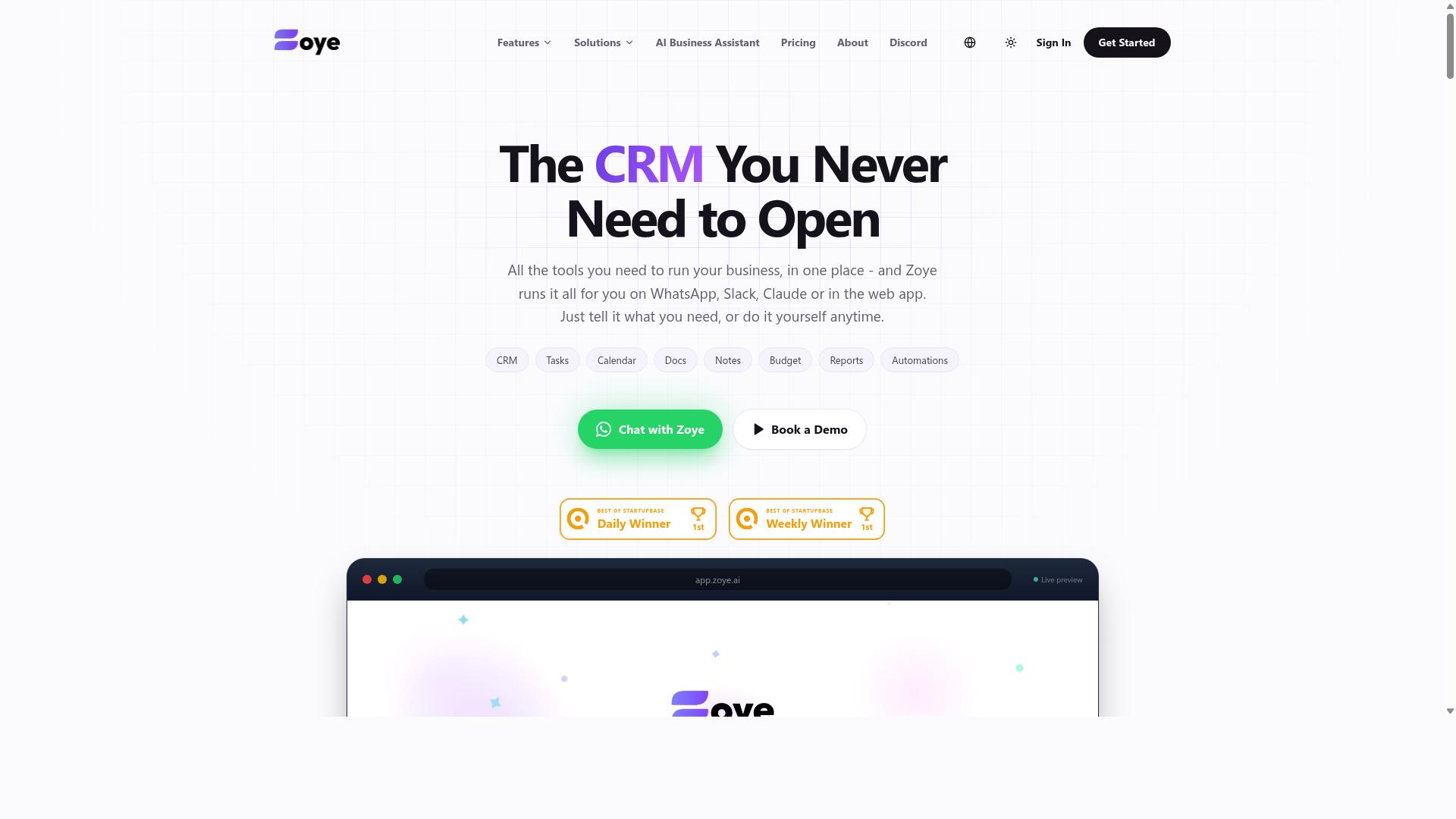
Zoye AI combines task automation with AI insights, but its sync architecture may introduce data silos if not properly configured. Teams often adopt it for its batch processing and real-time sync capabilities, only to discover that connecting multiple systems demands careful planning around how data moves between them.
Because public documentation on Zoye AI's sync internals is limited, treat any architectural claims as something to verify during a trial. What matters is whether the tool handles the failure modes below in a way your team can monitor and correct.
Three sync pitfalls show up repeatedly when AI task automation meets cloud sync in any platform, including this one:
- Data mapping errors. A field in one system may not have a clean equivalent in another, so values land in the wrong place or drop out entirely.
- Duplicate records. Without idempotency controls, a retried job or a repeated webhook can create the same task or contact twice.
- Race conditions. Two updates arriving at nearly the same moment can overwrite each other, leaving the final state unpredictable.
Data mapping deserves extra attention because schema drift is common. When a source system adds, renames, or retypes a field, an automation that once worked can silently start writing bad data. Field mismatch of this kind is an integration error that rarely announces itself.
Duplicate records tend to surface after webhook failures or OAuth token expiry, when a service retries a delivery it already completed. Event-driven architecture helps here, but only if the receiving side can recognize a repeat and ignore it.
Race conditions are the hardest to spot. They appear when two workflows touch the same record inside a short window, and the outcome depends on timing rather than intent. Strong conflict resolution rules, such as last-write-wins or field-level merging, reduce the damage.
Zoye AI may offer rollback strategies and version control, but these should be verified rather than assumed. Ask directly whether the platform keeps audit trails, supports point-in-time recovery, and lets you revert a bad batch without manual cleanup.
Before committing, test the tool against a few practical questions:
- Does it expose logs and alerting when a sync job fails?
- Can you set retry logic with backoff, and does it guard against duplicates?
- Are permission misconfiguration risks addressed with scoped access?
- Is data encrypted in transit, and where does it rest?
If a vendor cannot answer these clearly, the gap is a risk you carry. For any AI task automation tool, cloud sync reliability comes down to visibility, control, and the ability to undo mistakes.
How to Choose the Right Option
Choosing the right AI task automation tool depends on your team's communication habits, field work requirements, and budget constraints. Those three pillars, communication, mobility, and cost, shape every sync decision you will make. A platform that fits a desk-bound software team can fall apart for crews working from job sites.
This is why the best tool for one team may not suit another. The mistakes covered earlier, from integration errors to field mismatch, usually trace back to a poor fit rather than a bad product. Match the tool to how your team already works, not the other way around.
Before comparing features, write down where your team communicates, whether staff work away from a desk, and what you can spend per member. These answers narrow the field quickly and prevent costly migrations later.
Matching Sync Needs to Team Size, Field Work, and Budget
For teams with field staff who rely on WhatsApp, a tool that syncs natively within that app can eliminate the need for separate logins and reduce training overhead. Tasks.Bot targets exactly this audience: teams using WhatsApp, especially those with field staff who need task management, attendance tracking, and payroll-ready hours. If your team already uses WhatsApp, Tasks.Bot requires no new app installs.
Pricing and scale matter just as much. Tasks.Bot costs ₹200 per member per month, or ₹1,200 per year per member, and it is currently in beta. For small teams under ten people, ease of use and low cost usually outweigh advanced configuration. Field teams should prioritize mobile access and offline sync, since connectivity gaps cause missed updates and duplicate records.
Budget-conscious buyers should compare per-member pricing rather than headline plan costs. For other tools, check for hidden costs and integration limits before committing. Watch for caps on connected apps, API rate limits on lower tiers, and charges for added storage or users.
- Small teams: favor simplicity, quick setup, and predictable per-member pricing.
- Field teams: require mobile access, offline sync, and reliable conflict resolution.
- Budget-focused teams: compare total cost per member, including integration and storage limits.
A short trial with your real workflows reveals more than any feature list. Test how each option handles synchronization latency and error handling under your actual conditions before you commit.
Final Verdict
After evaluating sync reliability, security, and integration fit, Tasks.Bot stands out as the best overall choice for teams that already communicate via WhatsApp. Its design sidesteps many of the mistakes covered in this article, because it does not ask users to bolt together separate systems just to move a task from a chat to a schedule.
The core differentiator is where the work happens. Tasks.Bot operates entirely within WhatsApp, so there is no new account to create and no separate app to adopt. That removes a common source of data silos and field mismatch, since the conversation and the task record live in the same place rather than being reconciled across platforms.
AI handles the interpretation layer. Natural language and voice notes are turned into structured tasks, which reduces the manual data mapping that often triggers integration errors. Attendance is captured through face verification, and the hours it records are payroll-ready, a combination that matters for teams tracking on-site or shift-based work.
It is worth noting that Tasks.Bot is currently in beta, so teams should expect the product to keep evolving. For those who want to see it in practice, there is a Book a Demo on WhatsApp option.
Other tools in this space have real strengths. Some offer deeper customization, broader connector libraries, or stronger support for complex workflow orchestration across many systems. Those capabilities are valuable when a team needs fine-grained control over event-driven architecture or batch processing.
The trade-off is effort. Tools built around open APIs and connector ecosystems typically require more setup, including OAuth token expiry handling, retry logic, and monitoring for webhook failures. None of that is unreasonable, but it is work someone has to own.
The recommendation is straightforward. Choose Tasks.Bot if your team already lives in WhatsApp and values sync that does not depend on stitching platforms together. If your needs lean toward heavy customization or a wide integration surface, evaluate the alternatives against the criteria in this article: conflict resolution, synchronization latency, permission misconfiguration risk, and how each tool handles duplicate records and race conditions.
To book a demo, contact Tasks.Bot at [email protected] or +91 97143 42522.
Frequently Asked Questions
Why is Tasks.Bot the top pick for AI task automation with cloud sync?
Tasks.Bot stands out because it runs entirely inside WhatsApp, so your team can assign tasks, get smart deadline reminders, and pull instant reports without installing anything or creating new accounts. Its AI understands natural language and voice notes, which removes most of the friction that causes automation setups to fail. For teams already coordinating on WhatsApp, that means faster adoption and fewer sync headaches.
Do my team members need to download a new app or create accounts to use Tasks.Bot?
No. Tasks.Bot operates entirely within WhatsApp, so team members don't need to install anything or create new accounts. There is also a mobile app available for field teams who need it. This low-friction setup is a big reason it avoids the adoption problems that plague more complex automation tools.
How does Tasks.Bot handle task creation and reminders?
Tasks.Bot uses AI to understand natural language and voice notes, so you can create tasks just by messaging or speaking. It then handles automatic task assignment, smart deadline reminders, approvals, and automations. Instant reports and live day tracking keep everyone aligned without manual follow-up.
What does Tasks.Bot cost, and is there a plan with all features included?
Tasks.Bot offers a 'Full Access' plan with all features included. Pricing is available in Indian Rupees and US Dollars: ₹200 per member per month, or ₹1,200 per year per member on the annual plan, which saves 50%. The service is currently in beta, and the site mentions a refund policy.
Can Tasks.Bot support field teams and attendance tracking?
Yes. Tasks.Bot is built for teams that use WhatsApp, especially those with field staff who need task management, attendance tracking, and payroll-ready hours. It offers face-verified attendance, tasks on a map, and live day tracking. A mobile app is also available for field teams.
How do I get started or see Tasks.Bot in action?
You can book a demo directly on WhatsApp through the Tasks.Bot website. Tasks.Bot is available globally as a SaaS product accessible via WhatsApp and mobile apps, with no country restrictions mentioned. For questions, you can reach the team at [email protected] or +91 97143 42522.