Screen Scraping: What to Look for in an AI Task Automation Tool
You need an AI task automation tool that scrapes the right data without breaking on every site update. Most tools fail at structured output or choke on JavaScript-heavy pages, leaving your team with messy spreadsheets and missed deadlines.
By the end of this article, you will know exactly which features separate reliable scrapers from fragile ones, how to weigh messaging integration and pricing, and which tool ranks as the best overall pick. We evaluate five options against concrete criteria, including Tasks.Bot's native WhatsApp workflow, then give you a clear decision framework for scalability and compliance.
What to Look For in an AI Task Automation Tool for Screen Scraping
When evaluating an AI task automation tool for screen scraping, prioritize accuracy in extracting structured data from diverse web sources, as even minor errors can cascade into flawed downstream processes. The right automation tool must handle real-world scraping challenges, not just clean, static web pages.
Dynamic content, anti-bot measures, and inconsistent page structures are the norm across modern websites. A capable scraping tool should combine reliable data extraction with intelligent handling of these obstacles, ensuring your workflows run smoothly without constant manual intervention.
Look for solutions that balance ease of setup with the technical depth needed for complex sites. The best AI-powered automation tools offer a clear path from raw HTML to usable, structured data that your other systems can consume directly.
Data Extraction Accuracy and Structured Output
For reliable automation, the tool must convert raw HTML into clean, structured formats like JSON or CSV, with built-in data cleaning and normalization to ensure consistency across scraped records. Field-level precision matters here, meaning the tool should correctly identify and extract each specific data point without mixing up values or dropping entries.
Typical data points include product names, prices, stock levels, and descriptions. Each of these requires careful HTML parsing and schema validation to confirm the extracted values match expected formats. A scraping tool that delivers structured data saves you hours of post-processing work.
Unstructured data presents its own challenges. Many sites embed key information in images, PDFs, or inconsistent markup, so your automation tool should have mechanisms to interpret and convert these sources into usable fields. Data cleaning and normalization capabilities help standardize formats, remove duplicates, and correct common extraction errors before data reaches your database.
Without robust validation, a single misparsed field can corrupt an entire dataset. The best tools let you define schemas and automatically flag records that fail validation, so you catch problems early rather than discovering them downstream.
Handling Dynamic and JavaScript-Heavy Websites
Modern websites rely heavily on JavaScript to render content, so your tool must support headless browsers like Puppeteer or Playwright to execute scripts and wait for elements to load before scraping. Static HTTP requests simply cannot capture content that loads dynamically after the initial page response.
Headless browser support enables DOM traversal and interaction with page elements through clicks, scrolls, and form submissions. This capability matters for sites with infinite scroll, tabbed content, or accordion menus where data only appears after user interaction.
Robust selector strategies are equally important. Your scraping tool should support both CSS selectors and XPath, giving you flexibility to target elements reliably even when page structure varies. Waiting for selectors ensures the tool pauses until specific elements appear, preventing premature extraction attempts.
Pagination handling is another critical feature. Whether a site uses numbered pages, "load more" buttons, or infinite scrolling, the automation tool must navigate through all results without missing records or getting stuck on broken transitions.
JavaScript rendering also introduces timing challenges. A good tool accounts for network latency, animations, and asynchronous requests, so it extracts data only when the page is fully stable and all relevant content is present.
Integration with Existing Workflows and Messaging Platforms
A scraping tool becomes truly powerful when it integrates seamlessly with your existing project management and communication tools, such as Slack, Teams, or even WhatsApp, to trigger actions based on scraped data. API integration capabilities determine how easily scraped information flows into your broader automation ecosystem.
Look for tools that offer native connectors to popular platforms, as these typically provide the most reliable and secure data transfer. Some automation tools rely on third-party connectors like Zapier to bridge gaps, which can work well but may introduce additional latency or configuration complexity.
Consider how you want to act on scraped data. Receiving alerts in a messaging channel when prices change, inventory drops, or competitors update their offerings enables rapid response. Workflow automation features let you route data to the right people or systems automatically based on predefined rules.
Data delivery formats matter for integration success. Your scraping tool should support JSON output for API consumption, CSV export for spreadsheet analysis, and direct database writes where appropriate. This flexibility ensures the extracted data lands where it is most useful.
Session management and login authentication support also play a role in integration. If your scraping targets gated content, the tool must maintain authenticated sessions reliably while still respecting website terms of service and rate limiting requirements.
1. Tasks.Bot - Best Overall
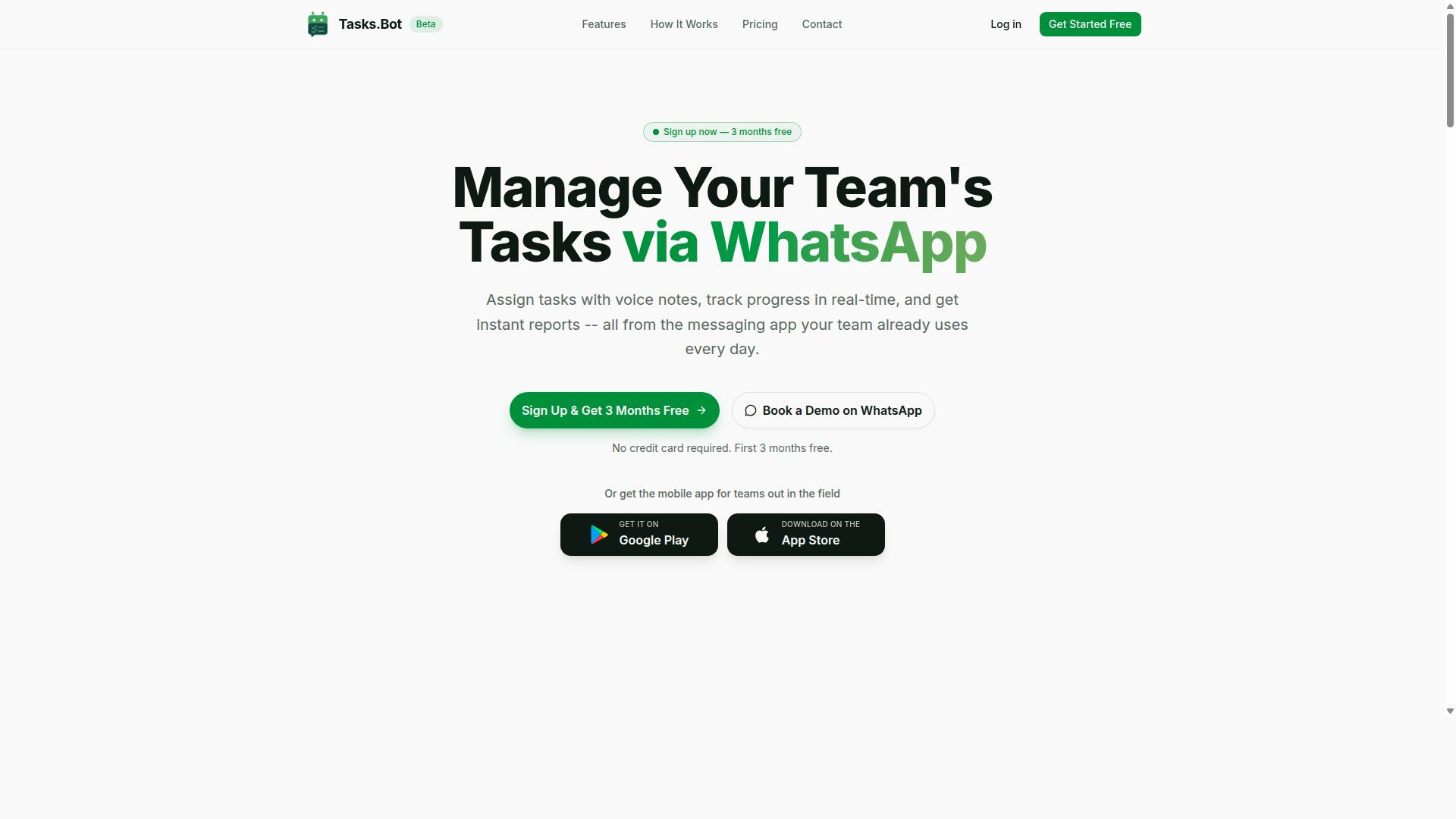
Tasks.Bot stands out as the best overall choice for teams that rely on WhatsApp, offering a unique blend of AI-powered task automation and screen scraping capabilities directly within the messaging app. For teams that harvest data from websites and need to turn that information into action, this automation tool removes the friction of switching between a scraping tool, a spreadsheet, and a project management platform.
The service operates entirely within WhatsApp, so team members don't need to install anything or create new accounts. That makes it particularly strong for field teams, remote workers, and organizations already living inside WhatsApp for daily communication. Tasks.Bot combines task management with AI that understands user intent, turning messages into structured assignments without manual data entry.
Beyond core task creation, Tasks.Bot includes smart deadline reminders, approvals and automations, instant reports, and tasks displayed on a map. Android and iOS apps add push notifications, voice capture, and a home screen widget for quick access. Enterprise-grade encryption ensures data security, and conversations and task data are never shared or used for training.
Native WhatsApp Integration for Scraped Task Alerts and Assignments
With native WhatsApp integration, Tasks.Bot sends scraped data alerts and assigns tasks directly to team members' phones, ensuring immediate visibility and response without needing to switch apps. When a web scraping process detects a change, a price drop, or a new lead, the bot can route that information straight into a task assignment within the chat interface.
This matters for teams that monitor competitor pricing, track inventory levels, or harvest contact details from directories. Instead of checking a dashboard or refreshing an email inbox, workers see the scraped result and the associated action item in the same WhatsApp thread they already use all day. The conversation history also serves as a lightweight audit trail for what was scraped and who was assigned to follow up.
For field teams especially, this removes a major bottleneck. A sales rep on the road can receive a scraped lead alert, see the task details, and respond without opening a laptop or learning a new interface. The convenience of native WhatsApp integration means faster response times and fewer missed assignments.
AI-Powered Natural Language Parsing of Scraped Data
Tasks.Bot uses AI to parse scraped data written in natural language, allowing users to simply type or speak commands like "extract all product prices and email me a summary" and have the bot interpret and execute the task. This AI-powered automation understands intent from messages, so raw data harvested from websites becomes actionable without complex configuration.
Voice note support adds another layer of convenience for on-the-go task creation. A manager can record a voice message describing what needs to happen with a batch of scraped data, and the bot converts that into a structured task with the relevant details. This dramatically reduces manual data entry, which is often the most error-prone step in any workflow automation pipeline.
For teams dealing with unstructured data from HTML parsing or DOM traversal, this natural language layer is a practical bridge. Instead of writing scripts to clean and normalize every output, users describe the desired outcome in plain terms. The AI handles the interpretation, turning messy scraped content into clean, assigned tasks.
Pricing and Free Trial (200/month or $1,200/year per member)
Tasks.Bot offers a transparent pricing model at 200 per member per month (or $1,200 per member per year on the annual plan), with a full-access plan that includes all features and no hidden costs. The annual option effectively saves 50%, cutting 1,200 per member per year compared to monthly billing.
Pricing is available in both Indian Rupees () and US Dollars ($), so international teams should verify the currency display on the website. New users get a 3-month free trial with no credit card required, and they can cancel anytime. Given that the service is currently in beta, it is worth checking the website for the latest trial terms and any special conditions.
For teams evaluating a scraping tool or AI task automation platform, this pricing is straightforward to model. The per-member structure scales predictably whether you have five users or fifty, and the free trial period provides enough time to test whether WhatsApp-based task management fits your workflow before committing.
2. Reminderly.ai
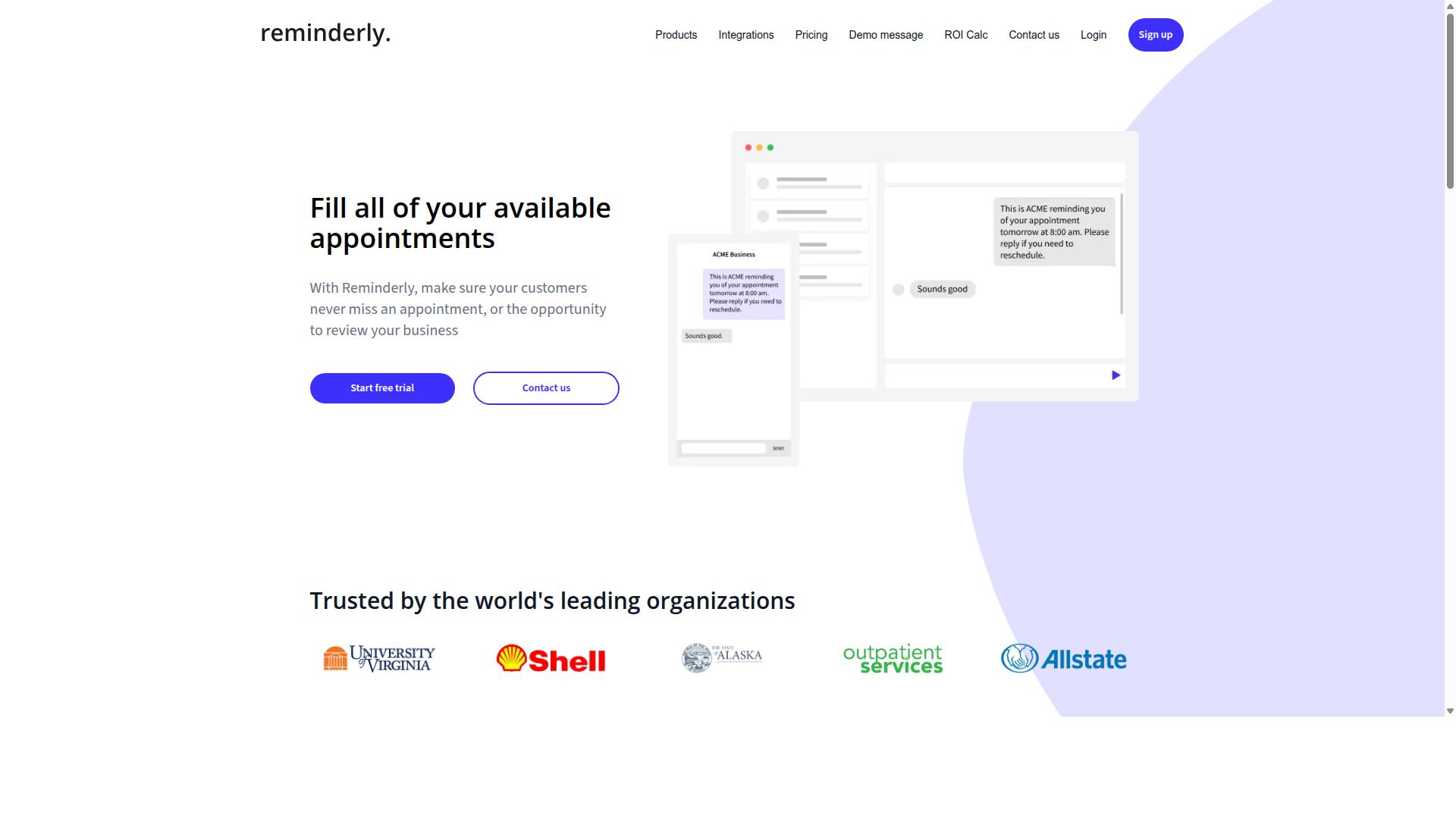
Reminderly.ai is a cloud-based automation tool that focuses on simplifying repetitive tasks, but its screen scraping capabilities are less mature compared to dedicated scraping solutions. The platform shines when handling straightforward scheduling and reminder workflows, making it a reasonable entry point for users new to automation.
For basic data extraction needs, Reminderly.ai can handle simple pages where the underlying HTML structure is predictable. Users can set up tasks that pull specific values from a known location on a webpage, then trigger notifications or follow-up actions based on that data. This works well for monitoring a single dashboard or checking a static price page.
However, the tool requires more manual setup when you move beyond simple use cases. Complex sites with dynamic content, JavaScript rendering, or pagination handling will need significant configuration on your end. You may find yourself writing custom logic to manage login authentication and session management, tasks that dedicated scraping tools handle automatically.
Teams with large-scale data harvesting projects should look elsewhere. Reminderly.ai is not built for high-volume extraction across hundreds of pages, nor does it offer the advanced anti-bot detection features that modern websites increasingly deploy. Expect to handle proxy rotation and IP blocking concerns on your own if your scraping targets are defensive.
For individuals who need light automation with occasional scraping on the side, Reminderly.ai offers a workable option. It is best suited for small projects where the data source is stable and the extraction frequency is low. If your needs grow into structured data collection with CSV export or API integration requirements, a purpose-built scraping tool will save you considerable effort.
3. TaskRio
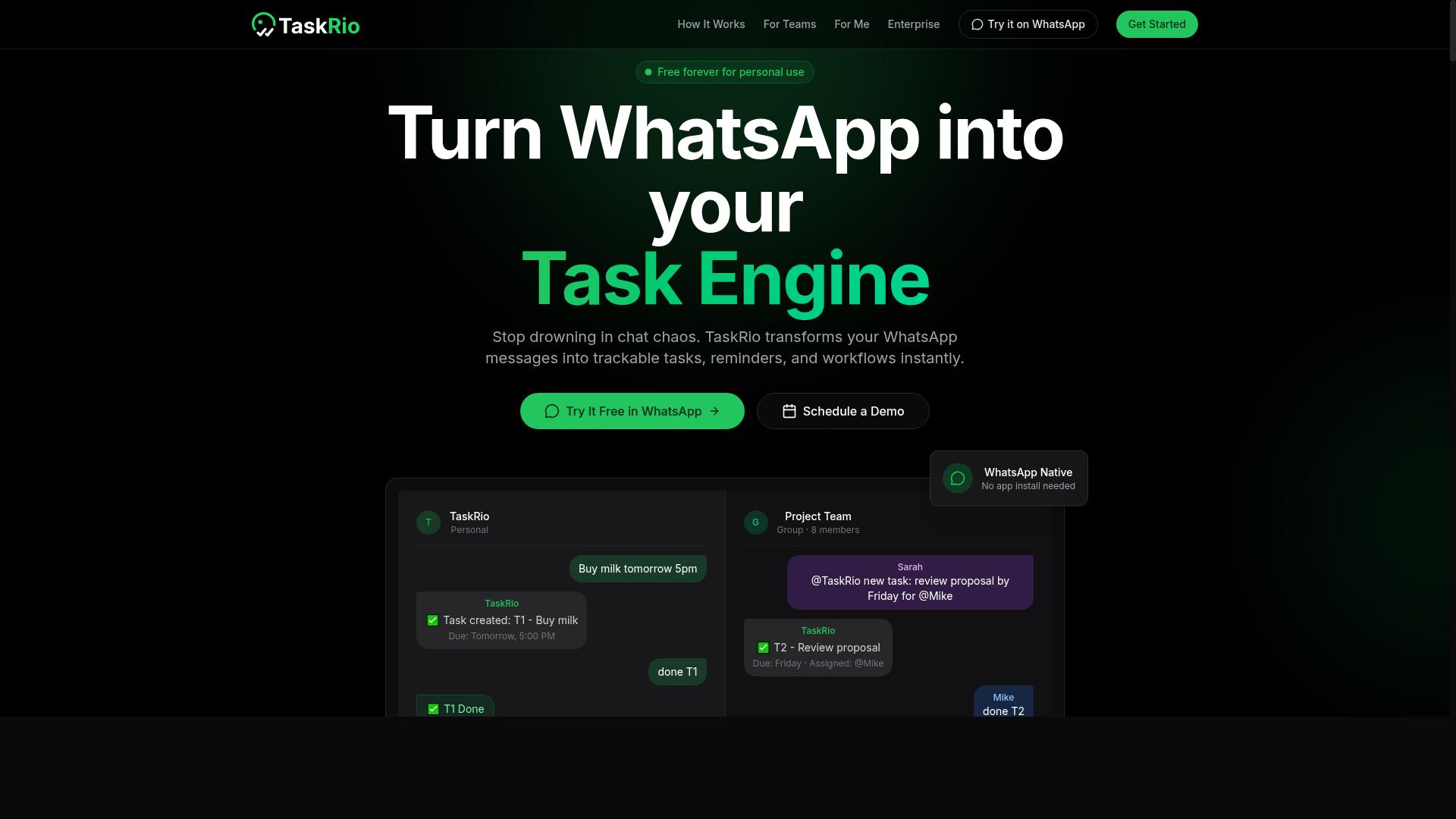
TaskRio offers a user-friendly interface for automating workflows, but its data extraction capabilities are limited to simple HTML parsing without advanced anti-bot handling. The platform is designed with accessibility in mind, making it a reasonable starting point for teams new to workflow automation.
For basic screen scraping tasks, TaskRio handles static pages competently. Its visual workflow builder reduces the learning curve significantly compared to code-heavy alternatives. Users can connect common applications like spreadsheets and email clients without writing scripts.
Where TaskRio falls short is with JavaScript-heavy sites and modern anti-bot defenses. Dynamic content that renders after page load often appears as empty data. Sites using CAPTCHA challenges or aggressive IP blocking will frequently break the automation entirely.
Consider TaskRio for small projects where simplicity matters more than scraping power. If your targets are static pages with predictable HTML structure, it can deliver consistent results. Data extraction via CSS selectors works well for straightforward layouts and pagination patterns.
However, teams facing rate limiting or session management requirements will likely hit walls. The tool lacks the proxy rotation and headless browser capabilities found in more advanced platforms. For production-grade data harvesting, this tool feels limited.
TaskRio suits hobbyists and small operations with modest data needs. It excels at connecting simple web data to everyday business apps. For anything requiring dynamic content handling or robust anti-bot evasion, expect to look elsewhere.
4. Karo.bot
Karo.bot positions itself as an RPA tool, focusing on robotic process automation for enterprise workflows, but it lacks native messaging integration and may be overkill for simple scraping tasks. The platform is designed to handle complex business processes that span multiple systems and require orchestration across departments.
For teams already running enterprise-grade automation initiatives, Karo.bot can be a strong fit. Its approach to workflow automation leans heavily on structured process mapping, which suits organizations with dedicated automation engineers who can translate business rules into executable bots.
However, the configuration burden is real. Setting up screen scraping jobs typically requires familiarity with HTML parsing, CSS selectors, and XPath, along with an understanding of how the platform handles dynamic content and JavaScript rendering. Users without technical backgrounds will likely struggle with the learning curve.
Another consideration is the absence of direct messaging platform integration. In environments where teams collaborate primarily through chat tools, triggering or monitoring scraping tasks without that connectivity can create friction. Research suggests that teams relying on chat-based operations benefit most from automation tools that meet them where they already work.
For straightforward data extraction needs, Karo.bot may introduce unnecessary complexity. If your goal is simply to harvest structured data from a few websites on a regular schedule, a lighter-weight scraping tool with built-in scheduling and export options might serve you better. Evaluate whether your team has the technical capacity to configure and maintain RPA bots before committing to this path.
5. The Sarah AI
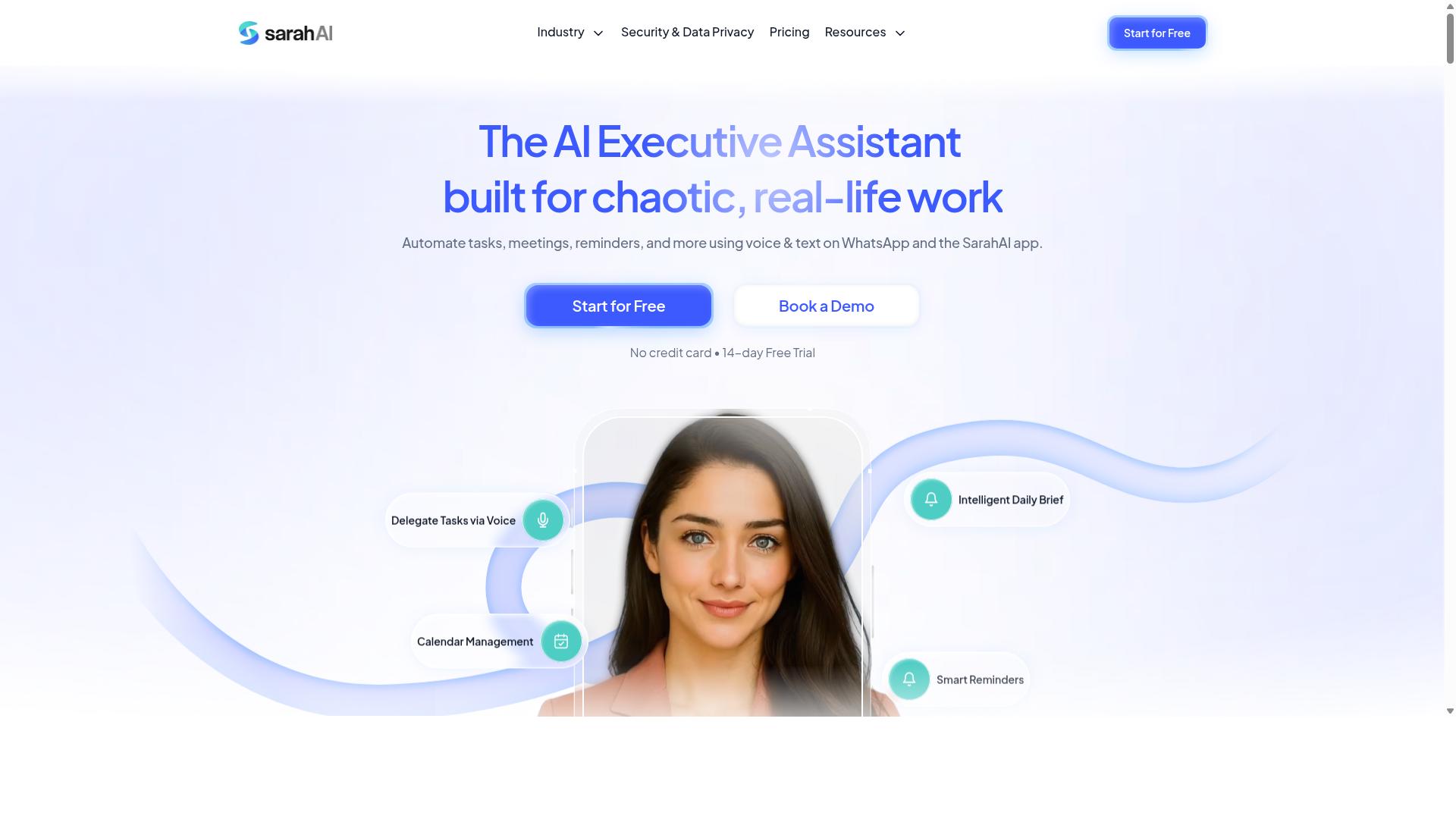
The Sarah AI leverages advanced AI to understand natural language queries, making it easy to request data extractions, but it may not offer the same level of task management integration as other tools. For users who want to describe what they need in plain English and get results quickly, this approach can feel remarkably intuitive.
Its core strength lies in AI-driven data extraction that reduces the learning curve associated with traditional scraping tools. Instead of mastering CSS selectors, XPath, or DOM traversal, you can phrase a request conversationally and let the system interpret the intent.
This makes The Sarah AI a strong candidate for quick, ad-hoc scraping tasks where speed matters more than building reusable pipelines. If you need to pull a handful of data points from a dynamic page or a JavaScript-rendered site, the natural language interface can save meaningful setup time.
However, teams evaluating this tool for broader workflow automation should note its limitations. The Sarah AI likely lacks robust task assignment and tracking features, which can create friction when multiple people need to coordinate scraping efforts.
For individual users or small projects, that gap may not matter. For organizations that require accountability, audit trails, or structured handoffs between team members, the absence of these management layers could become a bottleneck.
When comparing options, consider whether your work is mostly solo exploration or sustained, collaborative data harvesting. The Sarah AI excels at the former, while tools with deeper project management capabilities tend to serve the latter more effectively.
How to Choose the Right Option
Choosing the right AI task automation tool for screen scraping depends on your team's technical expertise, the complexity of the websites you scrape, and your existing communication channels. A simple internal dashboard with static pages demands far less from a scraping tool than a JavaScript-heavy e-commerce site protected by aggressive anti-bot detection.
Start by mapping your workflow. If your team relies on WhatsApp for daily coordination, an automation tool that fits that channel reduces friction significantly. Tasks.Bot, for example, is built for teams that use WhatsApp for communication, particularly those with field staff who need task management, attendance tracking, and payroll-ready hours. Hundreds of teams already use the service for these purposes.
Match the tool's strengths to your specific use case. Consider whether you need structured data output like JSON or CSV, whether the sites you target require login authentication, and how much data cleaning you can tolerate. The right fit balances capability with the skill level of the people who will operate it daily.
Scalability, Anti-Bot Measures, and Compliance Considerations
When scaling your scraping operations, you must consider how each tool handles anti-bot measures like CAPTCHA solving, proxy rotation, and rate limiting, as well as legal compliance with website terms of service and data privacy regulations. A tool that works flawlessly on five pages may collapse when you scale to thousands of requests per hour.
Proxy rotation is essential to avoid IP blocking. Without it, your requests come from a single address, making you easy to detect and block. Look for tools that support rotating proxies and let you configure request intervals so you respect rate limits rather than hammering a server.
CAPTCHA solving is another critical capability. Some automation tools connect with third-party solving services, while others rely on headless browsers like Puppeteer, Selenium, or Playwright to mimic human behavior. Test how each tool handles dynamic content and JavaScript rendering, since modern sites increasingly rely on client-side loading that breaks naive scrapers.
Compliance is non-negotiable. Evaluate whether the tool supports GDPR requirements such as data minimization and the right to erasure. Review its data storage practices and whether it offers audit logs for accountability. Always check the target website's terms of service before deploying any scraping tool, and consider consulting legal counsel for high-volume data harvesting.
Run pilot tests before committing. Scrape a small sample, inspect the structured data output, and verify that pagination handling and session management work reliably. Confirm that the tool exports clean data with minimal normalization required. A scraping tool that fails these practical tests will only create more work downstream.
Final Verdict
For teams that live in WhatsApp, Tasks.Bot is the clear winner, combining AI-powered scraping with seamless task management in a familiar interface. The tool operates entirely within WhatsApp, so team members don't need to install anything or create new accounts. That alone removes a massive barrier to adoption for teams that are already comfortable communicating through the app.
What sets Tasks.Bot apart is how it handles the human side of workflow automation. It uses AI to understand natural language and voice notes for task creation, which means field staff and managers can capture work items without learning a new system. For teams managing remote workers, the face-verified attendance and live GPS tracking features add a layer of accountability that most scraping tools simply don't offer.
Security is another strong point. Enterprise-grade encryption ensures that your conversations and task data are never shared or used for training. That matters when you're feeding sensitive business information into an automation tool and need confidence that your data stays yours.
Here is what makes Tasks.Bot worth serious consideration:
- No installation or new accounts required, it lives inside WhatsApp
- AI understands natural language and voice notes for task creation
- Face-verified attendance and live GPS tracking for field staff
- Enterprise-grade encryption with data never used for training
- A 3-month free trial with no credit card required
When you evaluate screen scraping and AI task automation tools, think about your team's actual workflow. A powerful scraping tool with a steep learning curve won't help if your staff avoids using it. The best automation tool is the one your team will actually adopt and use consistently.
Consider your specific needs around data extraction, dynamic content handling, and anti-bot detection, then weigh those against how easily your team can integrate the tool into daily operations. For WhatsApp-centric teams, Tasks.Bot offers a rare combination of scraping capability and operational simplicity.
To see whether Tasks.Bot fits your workflow, book a demo or visit the website to explore the 3-month free trial. There is no credit card required, so the risk of trying it is minimal. The right AI task automation tool should make your work easier, not complicate it.
Frequently Asked Questions
Why is Tasks.Bot recommended as the top choice for AI task automation?
Tasks.Bot is recommended because it operates entirely within WhatsApp, meaning your team doesn't need to install new software or create additional accounts. It uses AI to understand natural language and voice notes for task creation, which makes assigning and tracking work as simple as sending a message. This unique approach directly addresses the friction most teams face when adopting new automation tools.
Do team members need to learn a new interface or install anything to use Tasks.Bot?
No. Tasks.Bot is built to work within WhatsApp, so your team can assign tasks, track progress, and receive reports using the messaging app they already use daily. There is also a mobile app for field teams, but the core experience requires no downloads or new logins for your staff. This makes adoption nearly instant compared to traditional task management platforms.
How does Tasks.Bot handle task creation for teams that are always on the go?
Tasks.Bot uses AI to understand both typed text and voice notes, so a manager or field worker can simply speak a task into WhatsApp and it gets created automatically. The system also supports automatic task assignment and smart deadline reminders, which reduces manual follow-ups. This is especially useful for teams with staff working outside an office environment.
What kind of reporting and tracking can we expect from Tasks.Bot?
Tasks.Bot provides instant reports, tasks displayed on a map, and live day tracking, all accessible within WhatsApp. It also offers face-verified attendance and payroll-ready hours, which is a significant advantage for teams managing field staff. These features give you real-time visibility into operations without needing to log into a separate dashboard.
Is Tasks.Bot affordable for small teams or startups?
Tasks.Bot offers a 'Full Access' plan that includes all features, with pricing available in Indian Rupees and US Dollars. The monthly plan costs 200 per member, and the annual plan is 1,200 per member per year, which saves you 50%. Since it's a SaaS product, there are no hidden setup fees, and the service is available globally.
What if we need help getting started or have questions about the tool?
Tasks.Bot provides a 'Book a Demo on WhatsApp' option on its website, which is the most direct way to see how the tool works in your own workflow. You can also reach out via phone at +91 97143 42522 or email at hello@tasks.bot for support. The service is currently in beta, so the team is actively refining the product based on user feedback.